WidgetKit-OS18 Themes & Icons

WidgetKit-OS18 Themes & Icons MOD APK v14.7 (Premium Unlocked)

App Name WidgetKit-OS18 Themes & Icons
Publisher ThemeKit
Genre Personalization
Size 44.3 MB
Latest Version 14.7
Requires Android Varies with device
MOD Info Premium Unlocked
MOD Info−
    How to Install−
    • Tap the Download button above to open the download page, then pick a mirror to start the file.
    • Open Settings → Security → Install unknown apps, enable for your browser / file manager.
    • Open the APK file from the notification bar, then tap Install.
    • Uninstall the original version (Google Play) first if present, to avoid signature conflict.

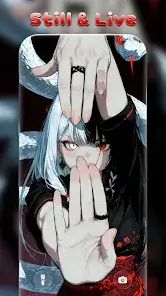
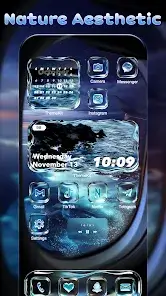
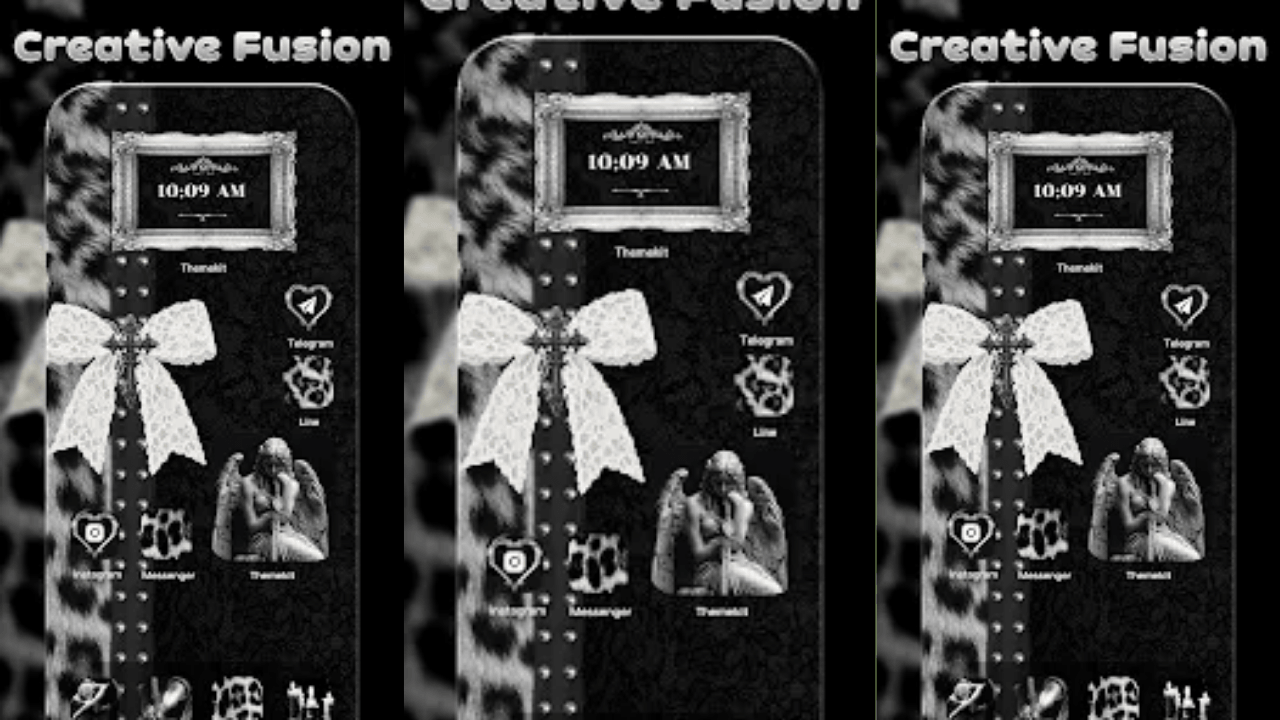
    WidgetKit-OS18 Themes & Icons is a personalization app that allows users to customize their home screen with various themes, widgets, and icons, providing a unique and personalized experience.

    The app offers a wide range of visual styles and theme collections, including wallpapers and app icons, to help users create a polished and pleasing design that reflects their individuality.

    Users can choose from a variety of widget styles to customize their home screen, and explore icon packs to create consistent styles throughout their app screens, matching icons to themes or using different styles to express their personal preference.

    By downloading WidgetKit-OS18 Themes & Icons, users can access a premium unlocked version of the app, with a size of 44.3 MB, and enjoy endless customization options to reflect their style, mood, and preferences, with new collections and updates regularly released.
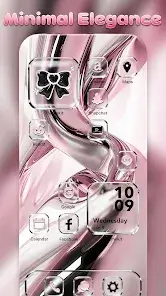

    Screenshots

    Frequently Asked Questions

    Is WidgetKit-OS18 Themes & Icons MOD APK safe on Modyolo APK Mod?

    Yes. Every file is size-checked and scanned before it is published here. Modified APKs are re-signed by third parties, so compare the download size (44.3 MB) with the page and run your own antivirus before installing.

    Which is the newest build of WidgetKit-OS18 Themes & Icons?

    Modyolo APK Mod carries v14.7, released on 2026-11-02. Older mirrors are removed once a new build is verified.

    How do I install WidgetKit-OS18 Themes & Icons APK on Android?

    Download the file, enable Unknown Sources in Settings > Security, then open the APK and tap Install. Uninstall any previous version first.

    What is unlocked in the WidgetKit-OS18 Themes & Icons MOD version?

    Premium Unlocked. All premium features are available without payment.

    Does WidgetKit-OS18 Themes & Icons MOD need root?

    No. It runs on non-rooted devices with Android Varies with device or higher.

    WidgetKit-OS18 Themes & Icons MOD APK v14.7 (Premium Unlocked)

    ☆☆☆☆☆ 0/5 (0 votes) · jadi yang pertama menilai

    More in Apps