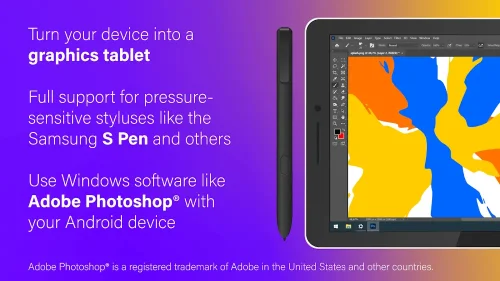
SuperDisplay is a productivity app that enables users to create a dual-monitor setup with their Windows device and Android tablet, providing an affordable solution for those seeking extra screen space.
The app is particularly useful for artists and developers who require a larger workspace, but its benefits extend to various users without needing a hardware upgrade.
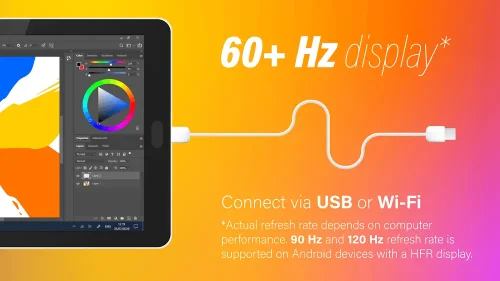
SuperDisplay offers high-speed performance with refresh rates of up to 60 fps and minimal latency, making it an ideal choice for users who demand seamless functionality.
With its easy-to-use interface and premium unlocked features, SuperDisplay allows users to enhance their productivity and creativity by transforming their tablet into an external display for their PC.
Frequently Asked Questions
Is SuperDisplay MOD APK safe on Modyolo APK Mod?
Yes. Every file is size-checked and scanned before it is published here. Modified APKs are re-signed by third parties, so compare the download size (7.9 MB) with the page and run your own antivirus before installing.
Which is the newest build of SuperDisplay?
Modyolo APK Mod carries v1.2.25, released on 2026-07-09. Older mirrors are removed once a new build is verified.
How do I install SuperDisplay APK on Android?
Download the file, enable Unknown Sources in Settings > Security, then open the APK and tap Install. Uninstall any previous version first.
What is unlocked in the SuperDisplay MOD version?
Premium Unlocked. All premium features are available without payment.
Does SuperDisplay MOD need root?
No. It runs on non-rooted devices with Android Varies with device or higher.