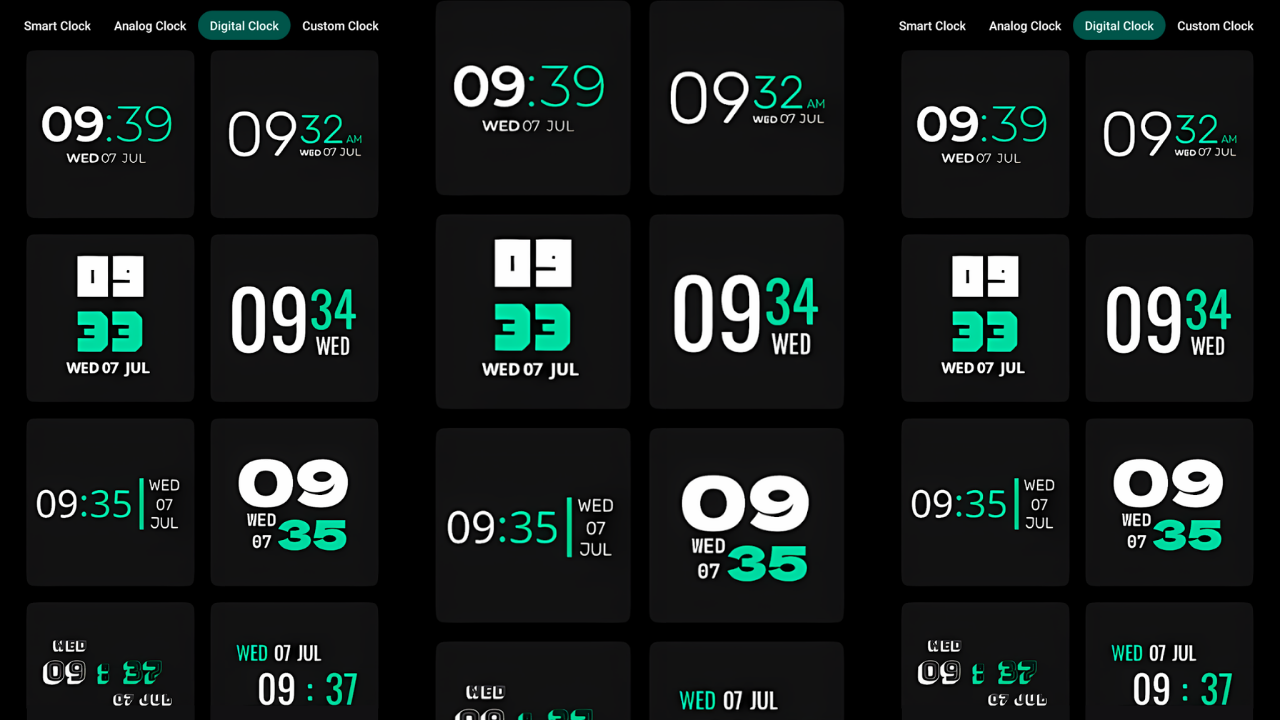
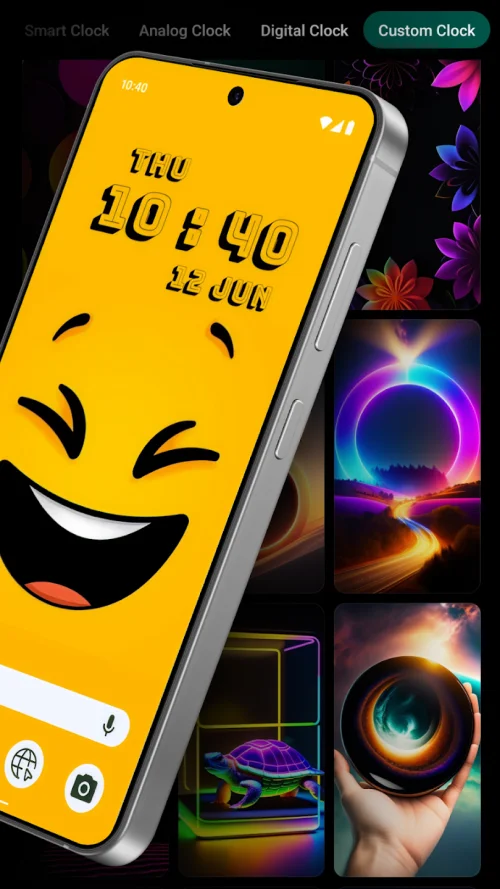
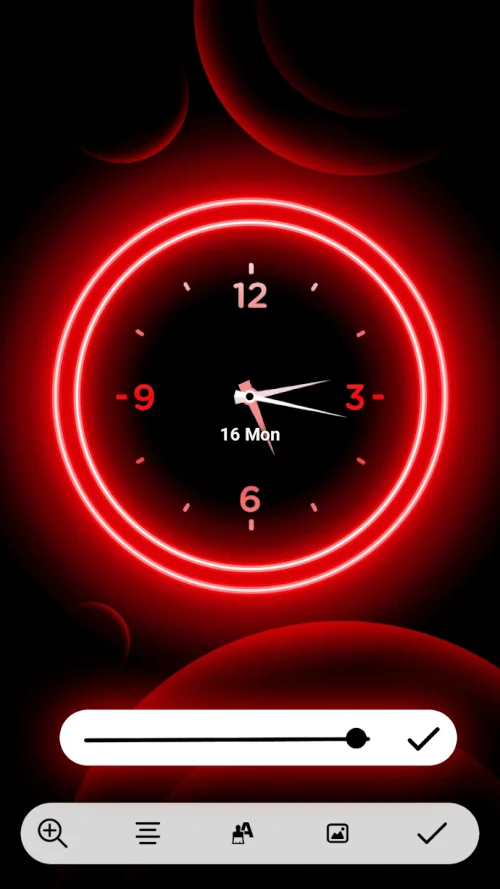
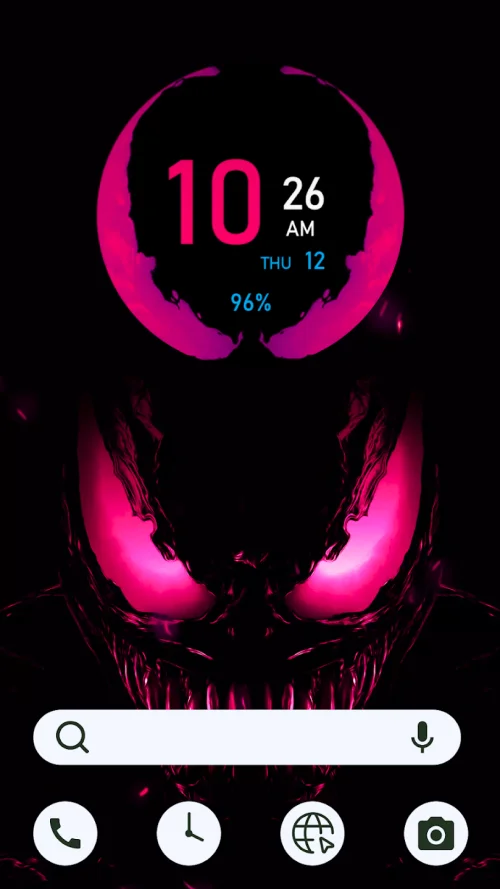
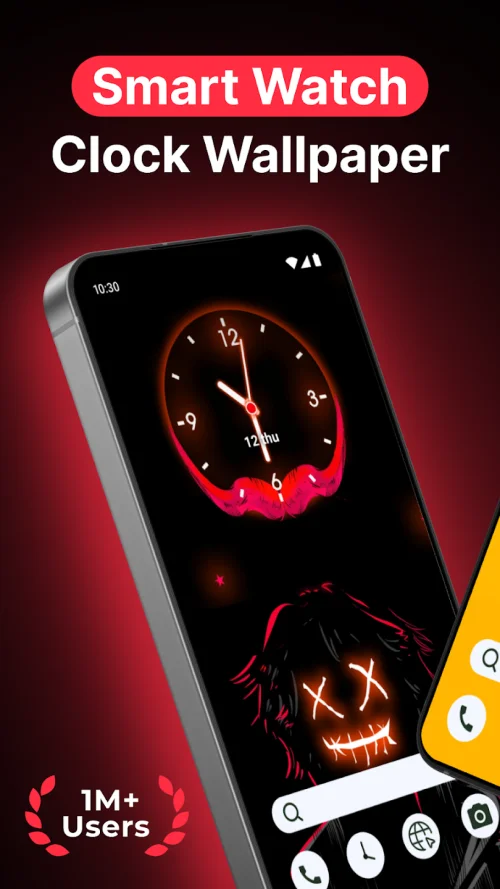
The Smart Watch - Clock Wallpaper app offers a range of customizable watch faces and stylish clock wallpapers, providing users with a simple and smart time display experience.
The app is designed for individuals who value personalization and want to give their watch a unique look, with various styles and designs available to suit different occasions and preferences.
The Smart Watch - Clock Wallpaper app allows users to switch between different wallpaper designs and watch faces, enabling them to refresh their style whenever they want and keep their watch looking fresh and personalized.
The app is a useful tool for anyone looking to personalize their watch, with its premium unlocked features and user-friendly interface making it easy to customize and use.
Frequently Asked Questions
Is Smart Watch - Clock Wallpaper MOD APK safe on Modyolo APK Mod?
Yes. Every file is size-checked and scanned before it is published here. Modified APKs are re-signed by third parties, so compare the download size (21.2 MB) with the page and run your own antivirus before installing.
Which is the newest build of Smart Watch - Clock Wallpaper?
Modyolo APK Mod carries v3.0.4, released on 2026-08-12. Older mirrors are removed once a new build is verified.
How do I install Smart Watch - Clock Wallpaper APK on Android?
Download the file, enable Unknown Sources in Settings > Security, then open the APK and tap Install. Uninstall any previous version first.
What is unlocked in the Smart Watch - Clock Wallpaper MOD version?
Premium Unlocked. All premium features are available without payment.
Does Smart Watch - Clock Wallpaper MOD need root?
No. It runs on non-rooted devices with Android Varies with device or higher.