
Pastel Light Icon Pack

Pastel Light Icon Pack MOD APK v7.2 (Full Version)

App Name Pastel Light Icon Pack
Publisher PizzApp Design
Genre Personalization
Size 62.2 MB
Latest Version 7.2
Requires Android Varies with device
MOD Info Full Version
MOD Info−
    How to Install−
    • Tap the Download button above to open the download page, then pick a mirror to start the file.
    • Open Settings → Security → Install unknown apps, enable for your browser / file manager.
    • Open the APK file from the notification bar, then tap Install.
    • Uninstall the original version (Google Play) first if present, to avoid signature conflict.

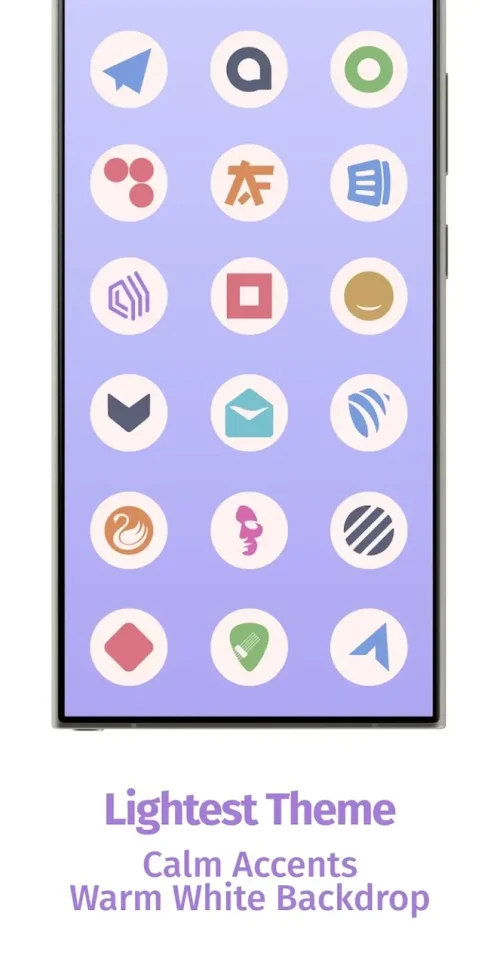
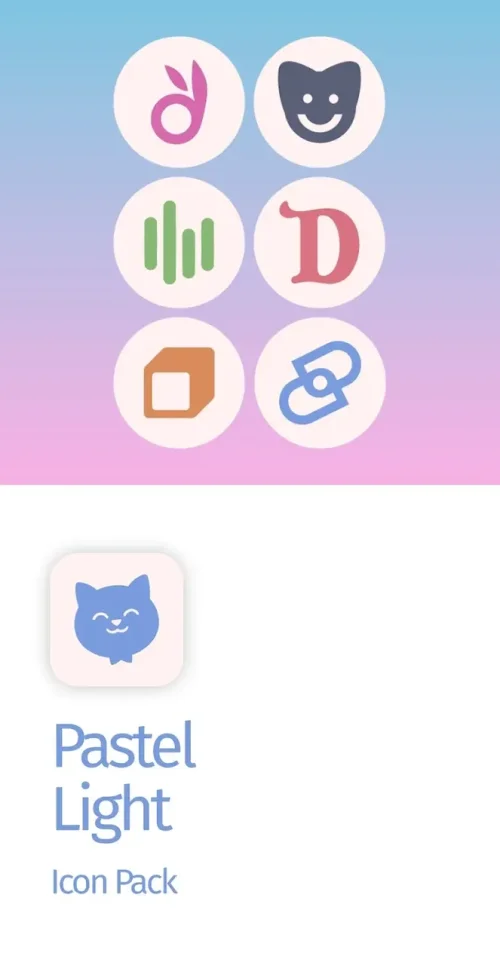
    The Pastel Light Icon Pack is a personalization app that allows users to transform their mobile interface with a soothing aesthetic. It offers a stunning selection of minimalist icons in subtle pastel colors, providing a stylish yet simplistic look. This app is ideal for users who value elegance and functionality in their device's design.

    The app contains a wide range of hand-drawn icons that are carefully crafted to look stunning at any resolution on any device. Each icon is designed to ensure that the device looks elegant, stylish, and functional, making it a perfect fit for those who want to customize their Android device.

    The Pastel Light Icon Pack is designed to provide a consistent and stylish look across various apps, with the ability to theme over a large number of applications. It also features an icon masking system, which ensures that unthemed apps blend seamlessly with the themed icons. Additionally, the app supports dynamic calendar updates, keeping the calendar styled and up-to-date.

    The Pastel Light Icon Pack is easy to use and customize, with a straightforward process that requires a supported launcher. It is compatible with a variety of popular launchers and offers features such as icon requests, allowing users to prioritize unthemed apps for future updates. With its beautiful and modern design, this app is perfect for users who want to bring a touch of elegance and calm to their digital space.
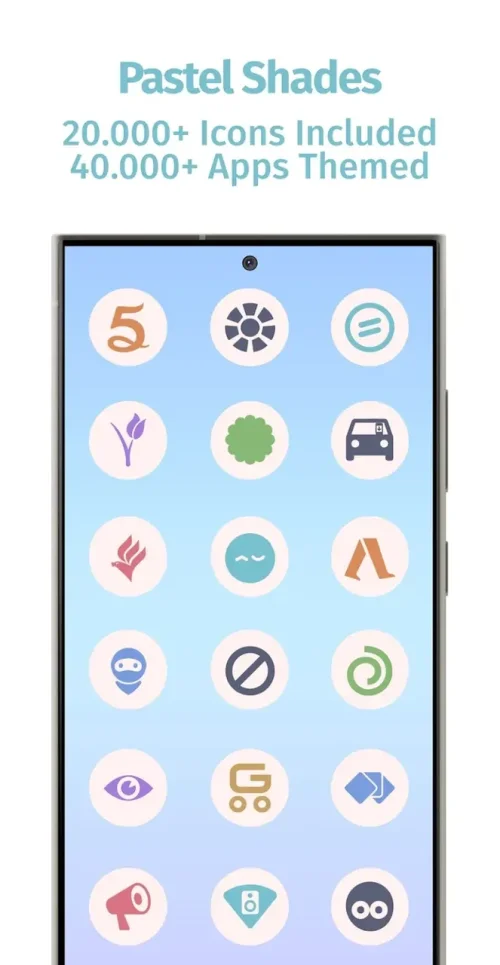
    Screenshots

    Frequently Asked Questions

    Is Pastel Light Icon Pack MOD APK safe on Modyolo APK Mod?

    Yes. Every file is size-checked and scanned before it is published here. Modified APKs are re-signed by third parties, so compare the download size (62.2 MB) with the page and run your own antivirus before installing.

    Which is the newest build of Pastel Light Icon Pack?

    Modyolo APK Mod carries v7.2, released on 2026-10-23. Older mirrors are removed once a new build is verified.

    How do I install Pastel Light Icon Pack APK on Android?

    Download the file, enable Unknown Sources in Settings > Security, then open the APK and tap Install. Uninstall any previous version first.

    What is unlocked in the Pastel Light Icon Pack MOD version?

    Full Version. All premium features are available without payment.

    Does Pastel Light Icon Pack MOD need root?

    No. It runs on non-rooted devices with Android Varies with device or higher.

    Pastel Light Icon Pack MOD APK v7.2 (Full Version)

    ☆☆☆☆☆ 0/5 (0 votes) · jadi yang pertama menilai

    More in Apps