
OneGlass (Dark) - Icon Pack

OneGlass (Dark) - Icon Pack MOD APK v3.3 (Full Version)

App Name OneGlass (Dark) - Icon Pack
Publisher Eatos
Genre Personalization
Size 41.7 MB
Latest Version 3.3
Requires Android Varies with device
MOD Info Full Version
MOD Info−
    How to Install−
    • Tap the Download button above to open the download page, then pick a mirror to start the file.
    • Open Settings → Security → Install unknown apps, enable for your browser / file manager.
    • Open the APK file from the notification bar, then tap Install.
    • Uninstall the original version (Google Play) first if present, to avoid signature conflict.

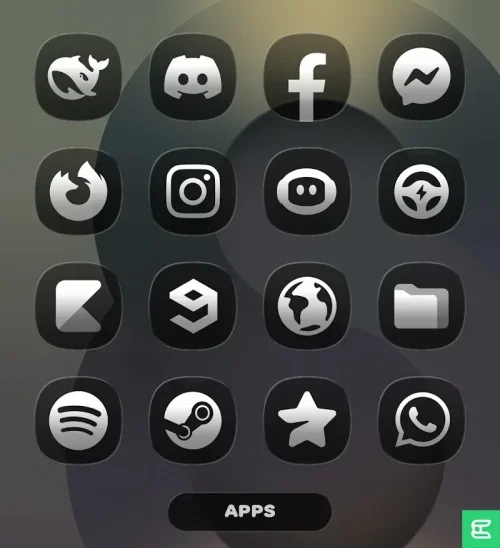
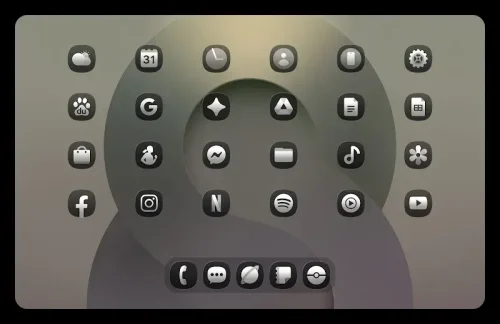
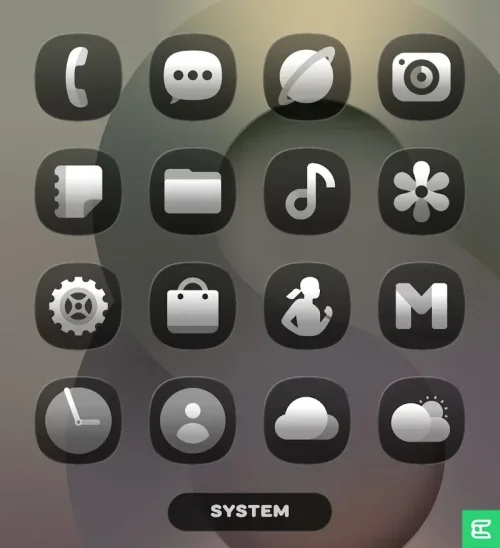
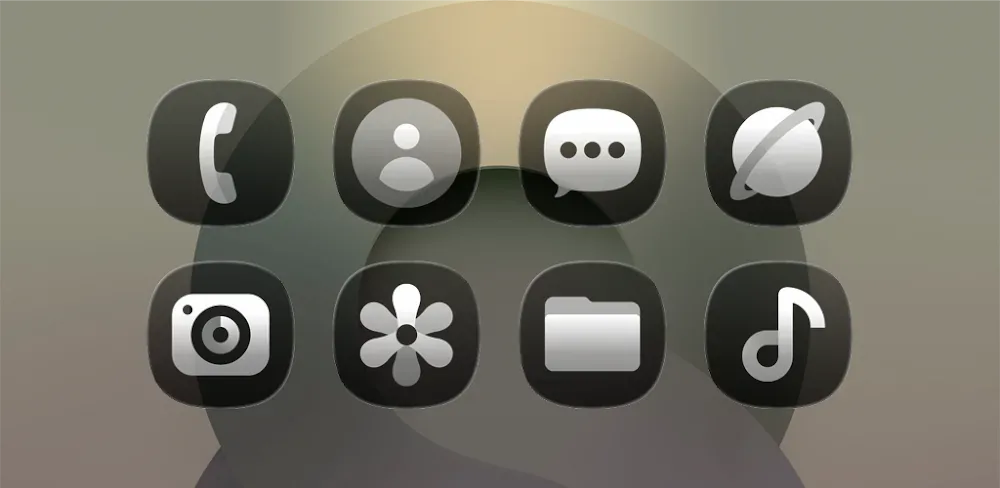
    The OneGlass (Dark) - Icon Pack is a personalization app designed for Android devices, focusing on the glass-morphism design language to create a modern and sophisticated user interface.

    The app provides a full version experience, offering access to its entire library of icons and wallpapers without additional purchases or unlocks, making it suitable for users seeking a premium interface.

    The package includes a large collection of high-resolution icons and dark glass wallpapers, all designed to work together to create a cohesive and elegant look, particularly appealing to tech-savvy users who value customization.

    The app's compatibility with various popular launchers and its integration with Android system settings ensure a smooth customization process, allowing users to easily apply the glass-morphism theme and maintain a uniform look across their device.
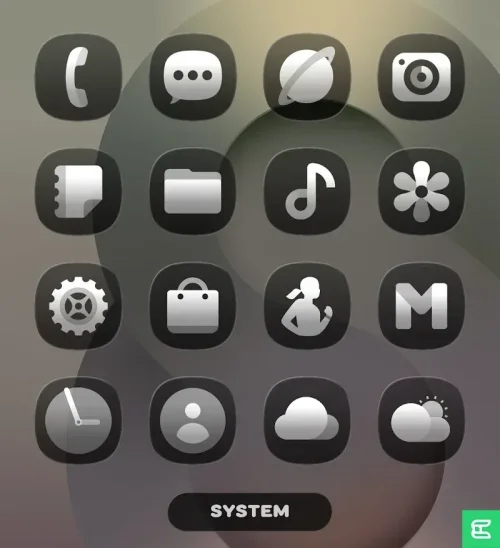
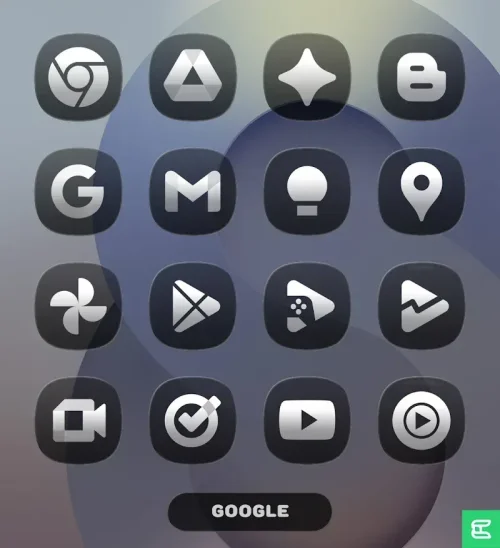
    Screenshots

    Frequently Asked Questions

    Is OneGlass (Dark) - Icon Pack MOD APK safe on Modyolo APK Mod?

    Yes. Every file is size-checked and scanned before it is published here. Modified APKs are re-signed by third parties, so compare the download size (41.7 MB) with the page and run your own antivirus before installing.

    Which is the newest build of OneGlass (Dark) - Icon Pack?

    Modyolo APK Mod carries v3.3, released on 2026-10-16. Older mirrors are removed once a new build is verified.

    How do I install OneGlass (Dark) - Icon Pack APK on Android?

    Download the file, enable Unknown Sources in Settings > Security, then open the APK and tap Install. Uninstall any previous version first.

    What is unlocked in the OneGlass (Dark) - Icon Pack MOD version?

    Full Version. All premium features are available without payment.

    Does OneGlass (Dark) - Icon Pack MOD need root?

    No. It runs on non-rooted devices with Android Varies with device or higher.

    OneGlass (Dark) - Icon Pack MOD APK v3.3 (Full Version)

    ☆☆☆☆☆ 0/5 (0 votes) · jadi yang pertama menilai

    More in Apps