
GPS Locker

GPS Locker MOD APK v2.5.1 (Premium Unlocked)

App Name GPS Locker
Publisher SilentLexx UA
Genre Tools
Size 8.8 MB
Latest Version 2.5.1
Requires Android Varies with device
MOD Info Premium Unlocked
MOD Info−
    How to Install−
    • Tap the Download button above to open the download page, then pick a mirror to start the file.
    • Open Settings → Security → Install unknown apps, enable for your browser / file manager.
    • Open the APK file from the notification bar, then tap Install.
    • Uninstall the original version (Google Play) first if present, to avoid signature conflict.

    The GPS Locker app is a useful tool for individuals who rely on stable GPS connections, such as gamers and fitness enthusiasts. It helps to maintain a consistent signal, reducing the likelihood of signal drops and stuck progress in various apps.

    This app is particularly beneficial for pro drivers and mobile gamers who require real-time updates and precise GPS location locking. It eliminates the frustration of waiting for a GPS signal to be found, ensuring a seamless experience.

    The GPS Locker app achieves this by forcing the GPS module to remain active, even when the screen is off or between app screens. This results in a persistent GPS signal lock, making it ideal for location-based games and navigation apps.

    By downloading the GPS Locker app, version 2.5.1, users can take advantage of its premium features, which include automatic background execution, real-time satellite monitoring, and advanced gameplay mechanics, all within an 8.8 MB package.
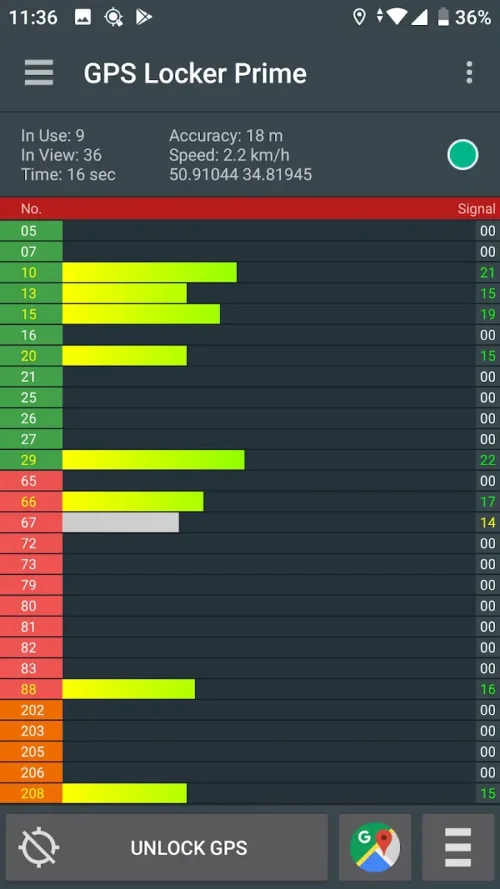
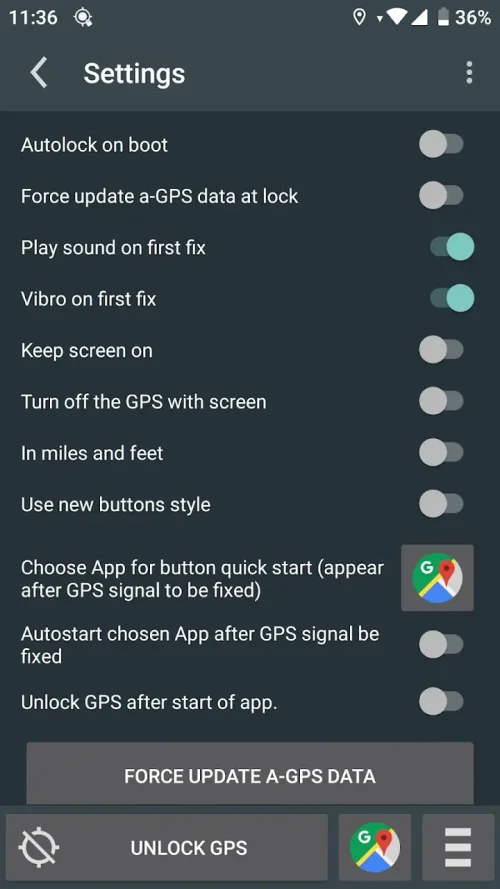
    Screenshots

    Frequently Asked Questions

    Is GPS Locker MOD APK safe on Modyolo APK Mod?

    Yes. Every file is size-checked and scanned before it is published here. Modified APKs are re-signed by third parties, so compare the download size (8.8 MB) with the page and run your own antivirus before installing.

    Which is the newest build of GPS Locker?

    Modyolo APK Mod carries v2.5.1, released on 2026-11-04. Older mirrors are removed once a new build is verified.

    How do I install GPS Locker APK on Android?

    Download the file, enable Unknown Sources in Settings > Security, then open the APK and tap Install. Uninstall any previous version first.

    What is unlocked in the GPS Locker MOD version?

    Premium Unlocked. All premium features are available without payment.

    Does GPS Locker MOD need root?

    No. It runs on non-rooted devices with Android Varies with device or higher.

    GPS Locker MOD APK v2.5.1 (Premium Unlocked)

    ☆☆☆☆☆ 0/5 (0 votes) · jadi yang pertama menilai

    More in Apps




