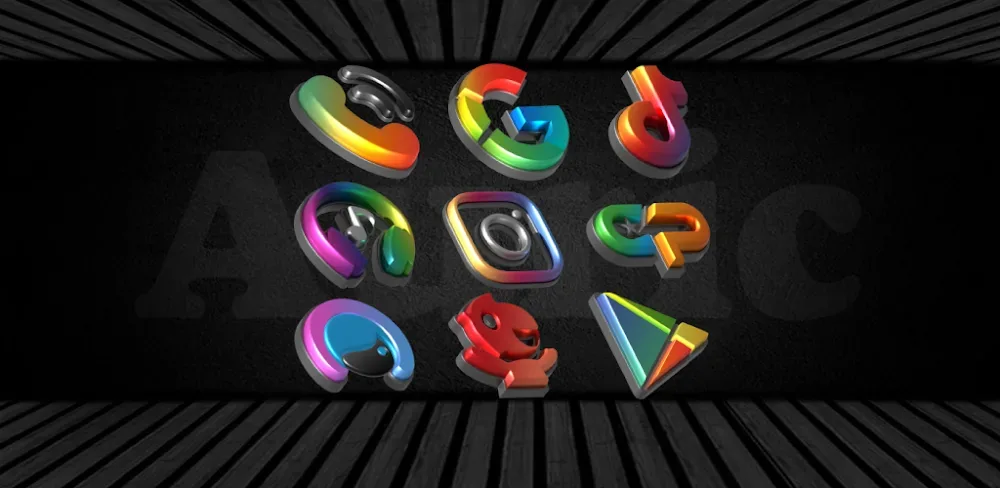
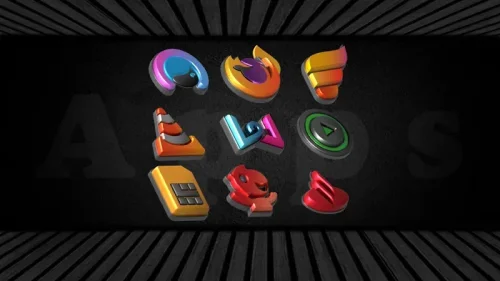
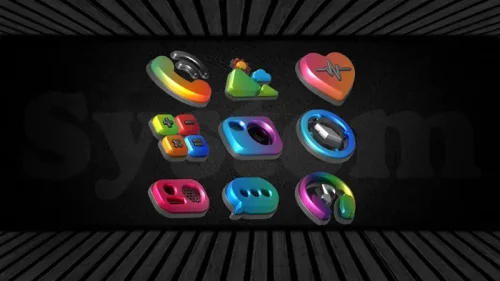
The Auric Dark 3D Icon Pack is a personalization app that transforms the mobile interface with its elegant and sophisticated design, offering a dark sleek texture and vibrant gradients to create a premium aesthetic package.
This app is designed for individuals who value a customized and modern look for their home screen, providing a professional and polished appearance for every app.
The Auric Dark 3D Icon Pack is suitable for those who prefer a dark mode with a touch of color and class, aiming to provide a visually pleasing experience for phone navigation.
The full version of the app provides a comprehensive set of features to enhance the user experience, making it a great choice for anyone looking to personalize their mobile interface with a high-quality 3D icon pack.
Frequently Asked Questions
Is Auric Dark 3D Icon Pack MOD APK safe on Modyolo APK Mod?
Yes. Every file is size-checked and scanned before it is published here. Modified APKs are re-signed by third parties, so compare the download size (73.7 MB) with the page and run your own antivirus before installing.
Which is the newest build of Auric Dark 3D Icon Pack?
Modyolo APK Mod carries v3.1.9, released on 2026-10-22. Older mirrors are removed once a new build is verified.
How do I install Auric Dark 3D Icon Pack APK on Android?
Download the file, enable Unknown Sources in Settings > Security, then open the APK and tap Install. Uninstall any previous version first.
What is unlocked in the Auric Dark 3D Icon Pack MOD version?
Full Version. All premium features are available without payment.
Does Auric Dark 3D Icon Pack MOD need root?
No. It runs on non-rooted devices with Android Varies with device or higher.